
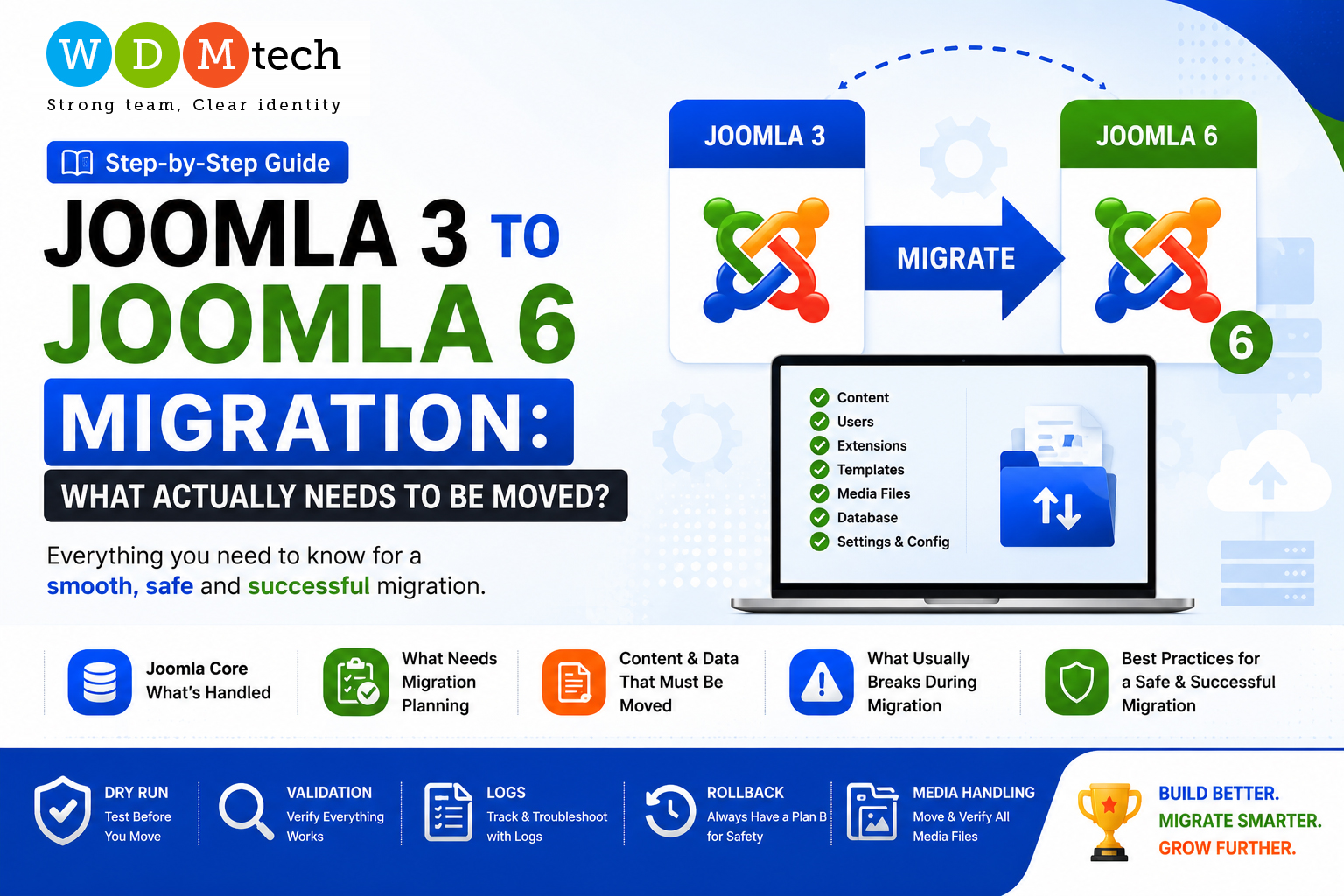
Upgrading from Joomla 3 to Joomla 6 is not just a simple version update. While Joomla provides a strong upgrade path for its core system, most websites contain much more than the core CMS. Extensions, templates, custom code, and media files all need to be evaluated carefully.
In this article, we’ll look at what Joomla handles automatically, what requires planning, and the common challenges you should expect during migration.
1. What Joomla Core Upgrade Handles
Joomla’s upgrade process primarily takes care of the core CMS files and database schema. If your website uses only Joomla core features and supported extensions, the upgrade can be relatively straightforward.
The Joomla upgrade process generally handles:
- Core Joomla files
- Database schema updates
- User accounts and permissions
- Articles, categories, menus, and tags
- Basic configuration settings
However, most production websites are far more complex and require additional migration planning.
2. What Needs Migration Planning
Before starting the migration, you should review everything that sits on top of Joomla core.
Typical areas requiring planning include:
- Third-party extensions
- Custom components and plugins
- Templates and page builders
- Custom overrides
- External integrations and APIs
- Multilingual configurations
- Scheduled jobs or automation scripts
Some Joomla 3 extensions may not have Joomla 6 compatible versions. Others may require data conversion or complete replacement.
A proper migration plan helps identify these issues before they become costly surprises.
3. What Content and Data Must Be Moved
Apart from Joomla core content, you should verify that the following assets are migrated correctly:
- Articles and categories
- Menus and modules
- Media files and images
- Custom fields
- User data
- Extension-specific data
- Forms and submissions
- E-commerce orders and products
- SEO metadata
- Language files and translations
The more custom your website is, the more attention this stage requires.
4. What Usually Breaks During Manual Migration
Manual migrations can work, but they often introduce unexpected problems.
Common issues include:
- Missing images or media files
- Broken template layouts
- Incompatible extensions
- Database errors
- Lost custom fields
- Incorrect menu routing
- Broken overrides
- PHP compatibility issues
- Missing CSS or JavaScript assets
Even if the website appears functional initially, hidden issues may surface later in production.
5. Why Dry Run, Validation, Logs, Rollback, and Media Handling Matter
A successful migration is not only about moving files and data. It is about minimizing risk.
Dry Run
Always perform a migration on a staging server first. A dry run helps identify compatibility issues without affecting the live website.
Validation
After migration, verify:
- Frontend pages
- Admin functionality
- Forms
- Search
- User login
- Third-party integrations
- Extension features
Testing ensures everything behaves as expected.
Logs
Migration logs are invaluable when troubleshooting failures. They help identify:
- Database errors
- Missing files
- Extension conflicts
- PHP warnings
Keeping detailed logs makes problem-solving much easier.
Rollback Strategy
Never migrate without a rollback plan.
Take:
- Full file backup
- Database backup
- Media backup
- Server configuration backup
If something goes wrong, you can quickly restore the previous working version.
Media Handling
Images, PDFs, videos, and downloadable assets are often overlooked.
Incorrect media migration can lead to:
- Broken images
- Missing downloads
- Incorrect file permissions
- SEO issues
Always verify media folders and file paths after migration.
Simplify Joomla 3 to Joomla 6 Migration with VDATA
For simple Joomla 3 to Joomla 6 migrations, you can use the VDATA Data Management Tool. It helps transfer Joomla content and data efficiently while reducing manual migration effort.
Learn more about VDATA here: https://www.wdmjoomla.com/vdata-data-management-tool
Final Thoughts
A Joomla 3 to Joomla 6 migration is much more than a version upgrade. Joomla core handles the foundation, but extensions, templates, customizations, and media require careful planning.
The safest approach is to:
- Audit your website.
- Perform a dry run.
- Validate every feature.
- Keep logs.
- Maintain a rollback strategy.
With proper planning, your migration can be smooth, secure, and future-ready.